Email Dean
Menu

Portfolio

Free Module 1 · Working with subject matter experts

The human side of instructional design

Your expert just sent you a 212-page manual and said “just use my slides.” In under an hour, free, you’ll know what that email is telling you and what to send back, instead of learning it from 61 review comments in week four.

Portfolio build · First module of a course I plan to sell · How AI was used

Take the module

  • Four lessons, about 50 minutes
  • A decoder for deflection, nitpicking and silence
  • A reply you write yourself, and a branching scenario

Works on a phone or a laptop. No sign-up. Progress is saved in your browser only.

The problem

You asked for a kickoff. You got an email and two attachments.

“Not sure what we’d cover for an hour. The procedures are all documented. Can you work from the manual and my slide deck?”

Attached: a 212-page service manual and 74 slides, half of them photos with no captions. The deadline hasn’t moved. Everyone says this person knows the equipment best, and everyone also says he hates training. You have eight weeks and no idea what to send back. This email is fictional. It comes from the course’s practice case, a made-up medical device company. You’ve probably had one like it.

Where training can help, and where it can’t

The designer answers the email, not the person

CauseSkill Nobody taught them to read what an expert’s behavior says about what helping costs that expert.

What fixes itTraining: a way to read the signal, and practice choosing a reply.

The expert has no time and no reason to trust training

CauseEnvironment A manager gave the expert a project on top of a full job, and a past course may have made them look bad.

What fixes itA company action. A course can help the designer ask for it, but it cannot grant the time.

Audience

Designers who can build a course and have a subject matter expert to work with

Who

Early-career instructional designers first (up to about three years in), experienced designers second. This is my assumption, not survey data.

What they already know

How to build a course. The course teaches no authoring tool and no ADDIE.

What they’re up against

One expert with ninety minutes a week, a deadline, and a client who thinks the expert’s slides are the course.

About this build

A free first module, built on my own account

  1. ProblemExperts deflect, over-send or go quiet, and new designers read it as a personality problem instead of a signal.
  2. BuiltA free first module: four lessons, a stakes decoder, five quick stake calls, a reply you write yourself, a branching scenario and five knowledge checks, in about 50 minutes.
  3. ResultPasses its own checks: a strict build, keyboard-only and phone-width runs, and a contrast check. Modules 2 to 7 are planned and not built.

What this shows

Scenario and judgment practice. Writing for peers, from real stories. Interaction design with a reusable component library.

Tools

LX Blocks (hand-built HTML, CSS and JavaScript) · original SVG diagrams made with a Python script

What’s in the free module

Four lessons, about 50 minutes

  • 1. The course that two experts nearly sank (5 min)

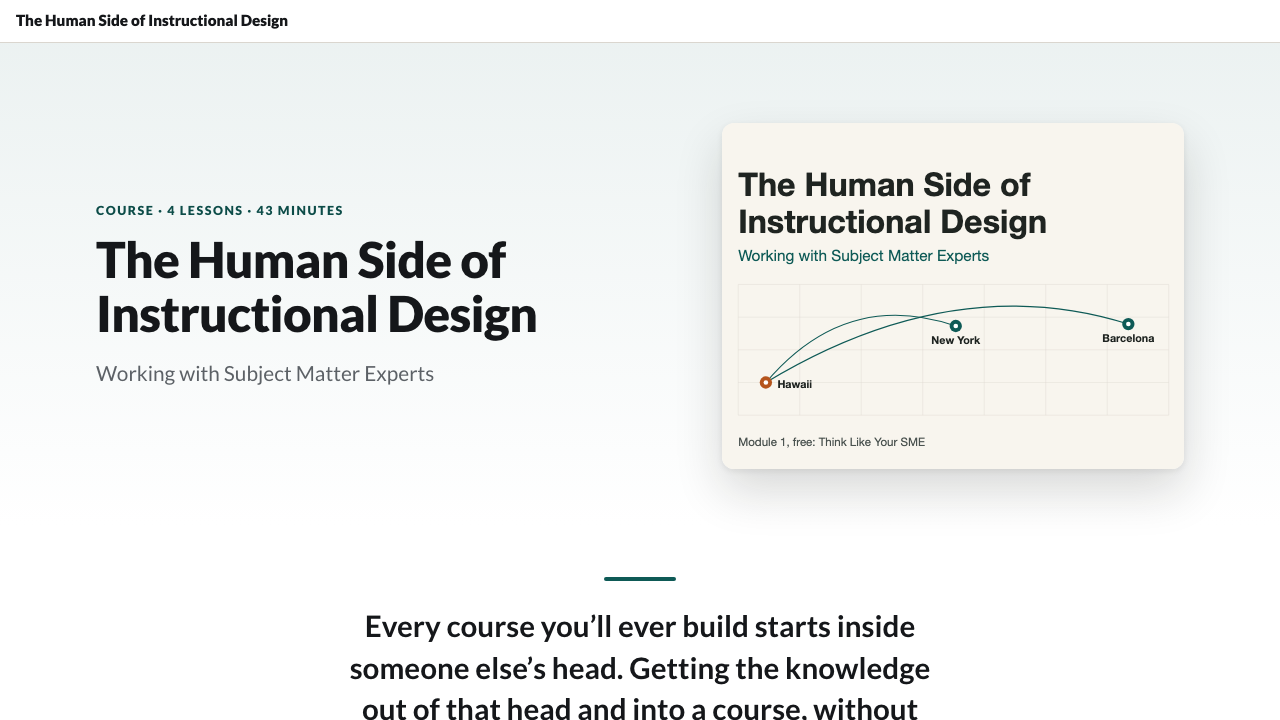
    Content problems usually have human causes. My story: a sculpture course, two experts in Barcelona and New York, me in Hawaii, and a predict-then-check reveal of what was behind the late, rough content.

  • 2. The curse of knowledge (8 min)

    Why experts hand over too much or too little, and why neither is laziness. Tabs, a warning, and the first knowledge check.

  • 3. What your SME has at stake (20 min)

    Time, reputation, control and history. A hotspot map, five quick calls on which stake a behavior signals, the fictional expert’s email annotated, your own reply to it, a before-and-after slider, and a reflection on your own expert.

  • 4. Translator, advocate, driver (15 min)

    Three postures that fail and three jobs that work. A branching scenario where you answer “just build it from my deck,” and a checklist to use before you send your next reply.

Start Module 1, free

Design decisions

Three choices that shaped the module

1. Organized around the expert, not around soft skills

Chosen
The course follows the life of an expert relationship: first read, kickoff, extraction, translation, review, trouble.
Turned down
My original outline of four soft skills (empathy, resilience, collaboration, communication). It was accurate but too abstract to practice against a specific email.
The tradeoff I made
Resilience and growth mindset, themes I care about, are no longer headline modules. I gained a spine that a designer can use on Monday morning.

2. Practice judgment, not recall

Chosen
One branching scenario, five quick stake calls, a reply you write yourself, a decoder and five short checks spread across the lessons so each follows the idea it tests.
Turned down
A lecture video per lesson. The skill is choosing a reply, and watching someone explain it does not rehearse that.
The tradeoff I made
There is no video, so there is more reading. I accepted that to keep every minute on a decision the learner has to make.

3. A small free module that stands on its own

Chosen
Cut Module 1 to four lessons and left out the longer exercises, the self-scored assignment and the job-aid downloads.
Turned down
Giving away the full first module. It would have run past 90 minutes and hidden the best part, the scenario.
The tradeoff I made
The free version teaches the idea and gives you one checklist to take away. The templates are part of the full course.

The full course

Modules 2 to 7 are planned, not built

Module 1 stands on its own. There is no price and no sign-up yet. I’ll build the rest if people use this one, so if you took it and want Module 2, tell me in one line: dean@deanahlgren.com.

  • Module 2, The Kickoff. A 25-minute agenda and a one-page brief.
  • Module 3, Extraction. Getting usable content out of a busy expert in 30 minutes.
  • Module 4, Translation. Simplifying expert material without breaking its accuracy.
  • Module 5, Review Cycles. Structured review requests, and telling a senior expert their content needs rework.
  • Module 6, When It Goes Sideways. Six difficult-expert patterns and the first move for each.
  • Module 7, Capstone. The whole cycle on one project, then your own playbook.

Process artifacts

The working documents

  • Module document

    The editor’s pass: course intro, this page’s copy and the full Module 1 text, with the source for every number and claim.

  • Storyboard

    Screen by screen: which interaction each piece of content became, why, and the text of every question, choice and scenario scene.

How AI was used

Claude Code, Codex, Gemini and local AI models were used at different steps of my process.

Reflection

What I don’t know yet

What I can’t say

  • Whether the module changes how anyone handles an expert.
  • Whether designers want this at all. That is the reason it is free.

What I’d change next

  • Add a short video of me telling the sculpture story.
  • Test the scenario with a few designers before building more.

Hiring for instructional design or AI training?

Tell me about the role or the project, and what the people you train need to do differently.